
Reporting and Analytics: How Ticketing Dashboards Track Maintenance Performance


Managing maintenance and service work in a modern organisation requires clear visibility. With technical incidents, internal requests and service quality expectations to balance, operational performance depends on accurate information and timely decisions.
This is where reporting and analytics add value. Combined with ticketing software, they turn large volumes of tickets into clear, actionable data.
The result is better oversight of maintenance and service requests, faster decision-making and continuous process improvement.
1. Why reporting and analytics matter
Reporting brings together the reports and indicators used to measure activity and performance. When it is automated and presented visually, it becomes a practical tool for day-to-day management.
In a ticketing system, reporting helps you:
Measure response and resolution times
Identify the teams handling the most requests
Track the most frequent ticket types
Identify areas for improvement
Monitor service level agreements (SLAs)
Without structured reporting, it is difficult to assess the quality of the work being carried out.
2. Dashboards: from real-time monitoring to informed decisions
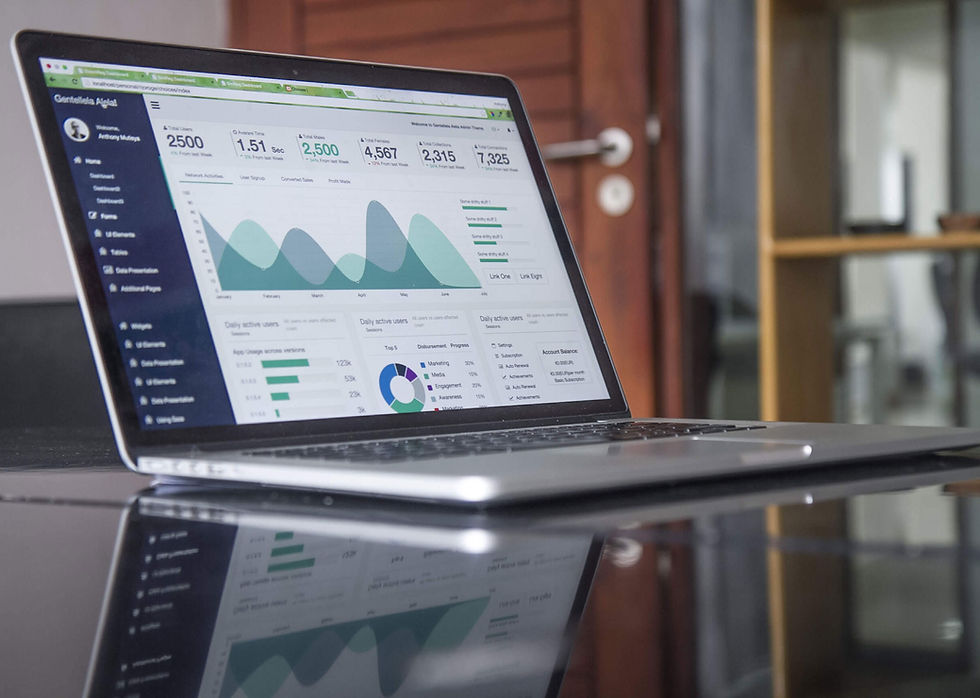
Dashboards provide a visual overview of key performance indicators (KPIs).
In a solution such as FollowMe, dashboards help you:
View tickets that are in progress, urgent or awaiting action
Monitor workload by technician or department
Measure average handling times
Compare performance across sites
Identify overdue or recurring tickets
Illustrative example: a manager sees that the maintenance team at site A handles 25% more tickets than the team at site B. These hypothetical figures show how a dashboard can provide a starting point for reviewing resource allocation.
3. How ticketing data feeds your dashboards
Ticketing software such as FollowMe records information at each stage of a request, including:
Ticket creation time
Assigned team
Issue category
Handling times
Reporting channel
Resolution or reopening
The recorded data is then organised into reports and made available through dashboards, providing an up-to-date view of activity.
This supports more detailed analysis while reducing the need to compile information manually.
4. Maintenance performance: which KPIs should you track?
The following indicators help you monitor maintenance and service performance through your ticketing dashboards:
Indicator | Why it matters |
Total number of tickets | Measure overall activity |
Average resolution time | Assess responsiveness |
Percentage of tickets resolved within SLA targets | Track delivery against agreed commitments |
Number of recurring tickets | Identify underlying problems |
Ticket volume by site or department | Allocate resources effectively |
Requester satisfaction | Improve the employee service experience |
Ready to manage maintenance with better data?
FollowMe’s dashboards and integrated reporting help you manage maintenance and service requests with a clearer view of performance.
You gain visibility, improve efficiency and can better anticipate where action is needed.

Comments